
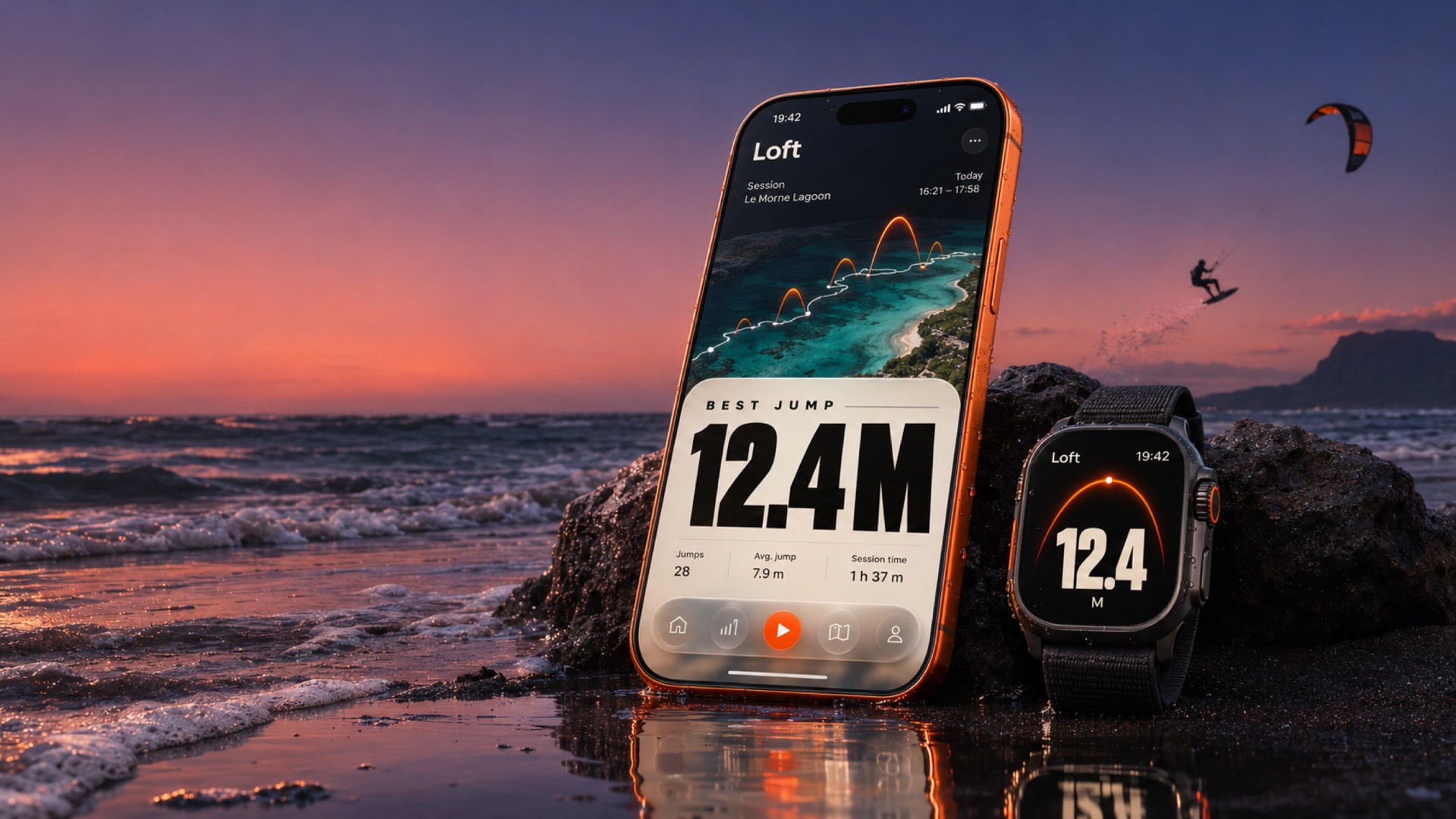
Your kite jumps, measured on Apple Watch.
Every jump saved, even if your watch dies. Pay once, no subscription, ever.
Download on the App Store$14.99 once. Your 3 newest sessions are always free.
30S
Between saves, all session long
Built around what goes wrong in other kite apps.
-
The problem
The app or the watch stops mid-session, and the whole ride is gone.
The fixYour session is saved every 30 seconds. A crash or a dead watch battery keeps it.
-
The problem
Foil and soft landings get missed, and false jumps sneak into your stats.
The fixA foil and soft-landing mode, and one tap to remove a jump that wasn't.
-
The problem
Another yearly subscription, just to see how high you went.
The fix$14.99 once. No subscription, ever. Your 3 newest sessions stay free.
Forgot to stop before the drive home? Trim the session. Want your track somewhere else? Export it as GPX.
17
Jumps, on one track
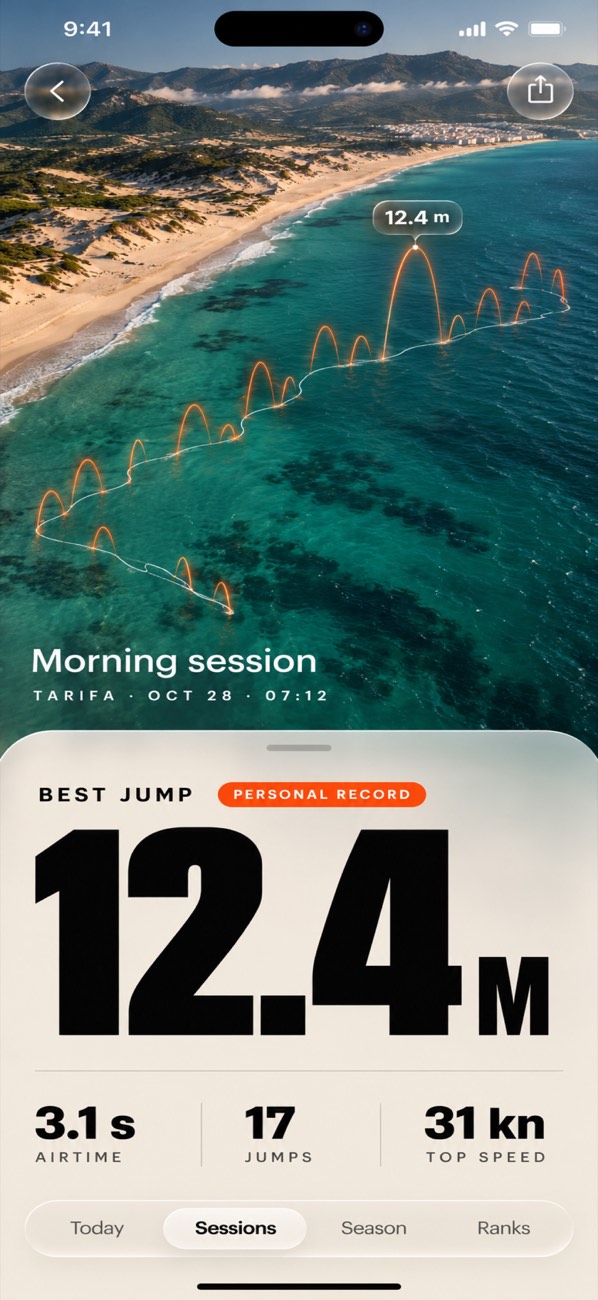
See every jump where it happened.
Your session opens on a 3D satellite map. The GPS track runs along the water and every jump rises from it as an arc, so the big one is easy to find.
- Tap any arc to open that jump
- Speed and track from the watch GPS
- Trim the end off a session you forgot to stop
- Export the track as GPX
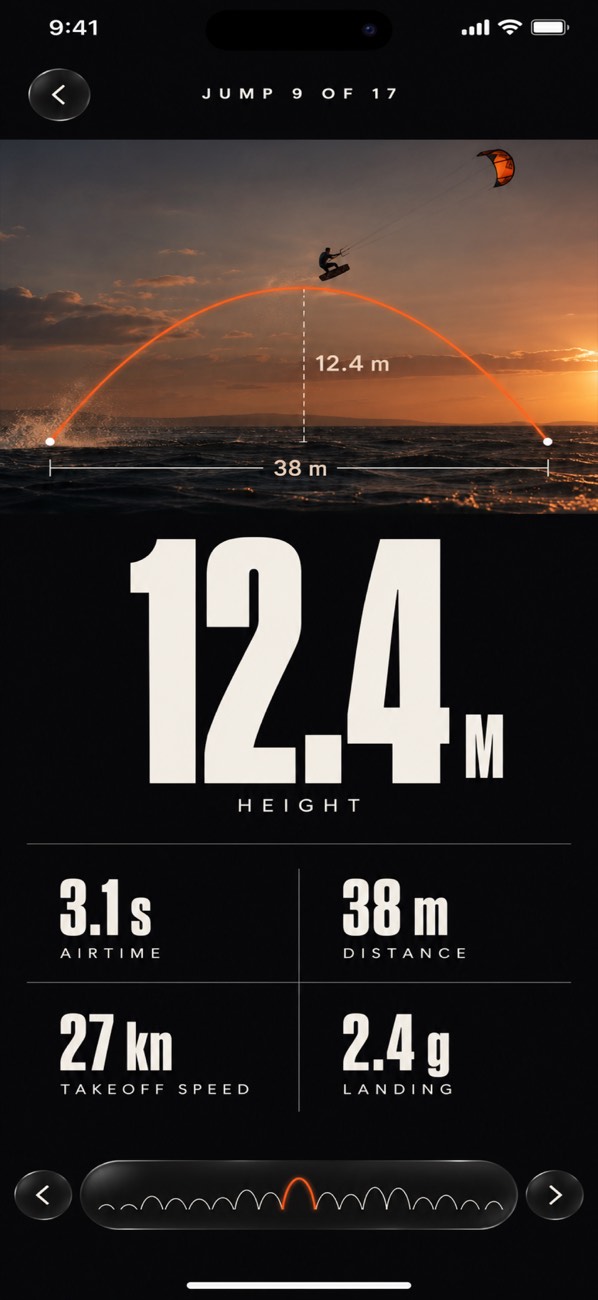
Height 12.4M
Every jump, taken apart.
Open any jump to see how high, how long and how far it went, and how fast you were riding into it. Step through the session jump by jump.
Height
Airtime
Distance
Takeoff speed
Something counted that wasn't a jump? Remove it, and your stats update.
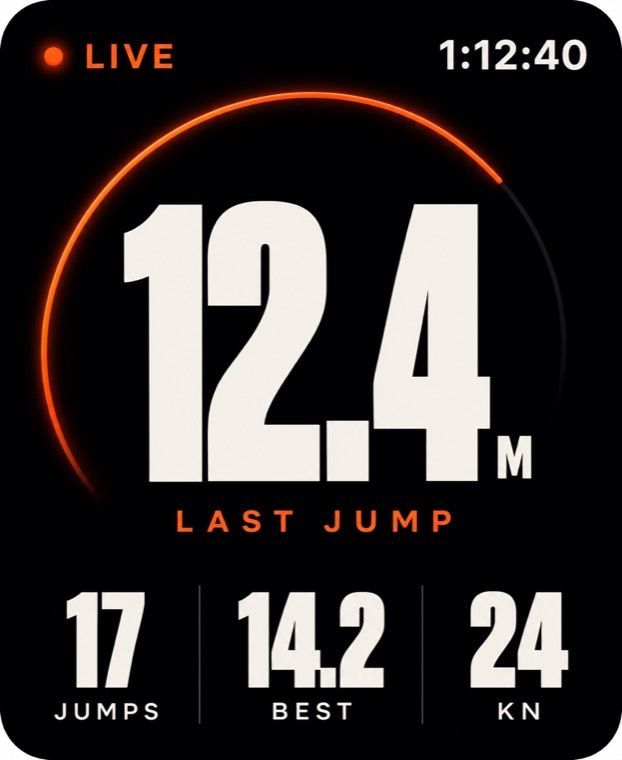
Land, look down, see the height.
Apple Watch tracks the session on its own. It reads each jump from your wrist motion and the barometer, and records your GPS track, speed and heart rate. When you're done, the workout goes to Apple Health.
- Jump height, airtime, jump count and best jump, live
- Spoken jump height after you land Coming
- Foil and soft-landing mode Coming
- Log the kite size you rode Coming
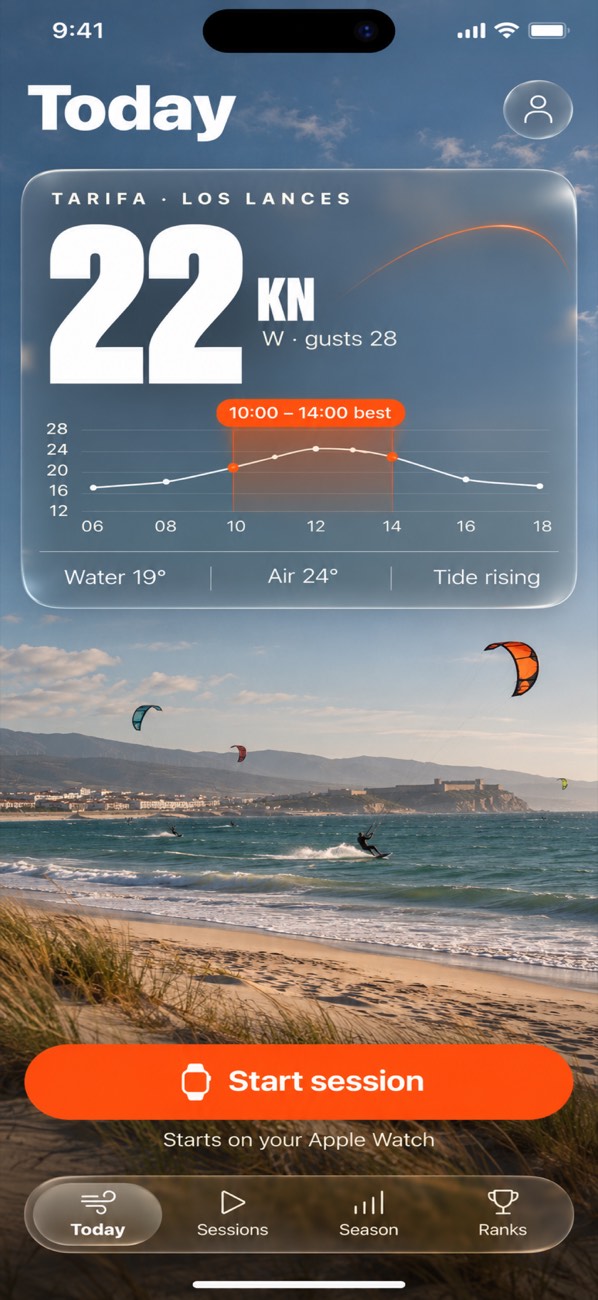
22KN
Wind at your spot
Check the wind. Start from your phone.
The Today tab shows the wind forecast for your spot through the day. When it looks good, tap Start and the session begins on your Apple Watch.
- Wind forecast at the spot you ride
- Start on Apple Watch from iPhone
- Wind alerts for your spot Coming
9:16
Reel, ready to post
Post the jump, not a screenshot.
Turn your best jump into a share card or a vertical video reel for your story. Then see where it ranks.
- Share card and 9:16 video reel
- World, country and city leaderboards of best jump
- Season stats across all your sessions
Apple HealthEvery session saved as a workout.
Your data, your devicesStored on your iPhone and your iCloud.
8 languagesRide in the language you think in.

One price
$14.99
Once. No subscription, ever.
- Your 3 newest sessions are always free
- One purchase opens every session you record
- Everything on this page, in one app for iPhone and Apple Watch
Questions
How accurate is the jump height?
It's an estimate. The watch works out each jump from your wrist motion and its barometer, which is good for comparing your jumps and sessions against each other. It is not a lab instrument, so treat a single number as close, not exact.
If something was counted that wasn't a jump, you can remove it from the session.
Which Apple Watch do I need?
An Apple Watch running watchOS 26, paired with your iPhone.
What if my watch battery dies mid-session?
The watch saves your session every 30 seconds while you ride. If the app crashes or the battery runs out, you keep everything up to the last save.
What do I get for free?
Your 3 newest sessions are always free to open. A one-time purchase of $14.99 opens every session. There is no subscription.
Where is my data stored?
Your sessions stay on your devices and in your own iCloud. If you join the leaderboards, they show only your nickname and your best jump.
Can I take my sessions to another app?
Yes. Export any session's track as a GPX file, and every session is also saved to Apple Health as a workout.

Next session, count every jump.
Every jump saved, even if your watch dies. Pay once, no subscription, ever.
Download on the App Store